- Tech Savvy Mag
- Smart Devices
- 7 ways to lock down smart home devices on your network
7 ways to lock down smart home devices on your network
Protect your devices from hackers by improving your smart home security with these seven practical network steps and exact device settings.
Explained by Barrett Ashworth
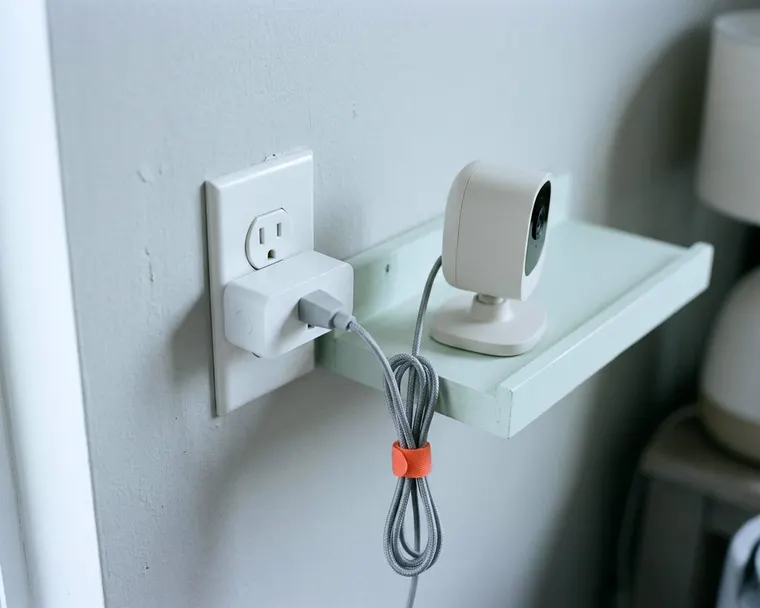
Smart home security starts at your router and ends in the settings menus of your connected gadgets. Changing a few default options keeps outsiders out of your indoor cameras and kitchen appliances. Splitting up your networks can help keep outsiders away from your main devices.
1. Change every default name and password
Manufacturers often ship devices with generic login details out of the box. Anyone who searches for the manual online can find these default credentials. Leaving them unchanged can make the hardware easier to break into. A stranger parked on the street could log into your video doorbell.
Start with the hardware that directs your internet traffic. The FTC says to change the default administrative username, password and network name on a router to something unique. Do the same for every indoor camera, doorbell and thermostat on the property.
Create a strong password for each gadget account. Make it long. Use a mix of words and numbers that you have never used elsewhere. A password manager app helps you generate and store these unique codes so you only type them once.
2. Keep device software up to date
Software updates patch specific security holes discovered by the manufacturer. Outdated firmware leaves those known flaws open. Attackers can exploit them. A smart bulb running older software becomes a weak link on your network.
Open the companion app for each gadget and find the settings menu. Look for an option labeled firmware update or software update. Turn on automatic updates. The device can then download and install new patches automatically.
Some older appliances do not support automatic updates. Set a calendar reminder to check the app manually on a regular schedule. Open the device settings and tap the update button to pull down the latest software.
3. Put connected gadgets on a guest network
A secondary Wi-Fi signal keeps household electronics away from your personal data. The FTC says many routers let you set up a guest network, and a guest device with malware will not reach your primary network and devices. This separation makes it harder for a compromised smart plug to provide a path into the laptop you use for online banking.
Open your router app and look for the guest network setting. Turn it on. Give it a different name and password from your main Wi-Fi. Connect all your smart speakers, light bulbs and appliances to this new signal.
Check your router's guest network options and each device's setup instructions, since some devices connect only to certain Wi-Fi bands. Your phones and computers can stay on your main network.
4. Turn off features you never use
Extra features like remote access or voice control create more paths into a device. A smart washing machine might offer start times you can trigger from the office. This connection is unnecessary. You only ever push the physical buttons in your laundry room.
Every active feature is another line of code that could contain a security flaw. Review the app menus for every appliance and smart speaker. Disable remote management, location tracking and microphone access unless you actively rely on them. You can always turn a feature back on later.
5. Use two-factor sign-in on the device account
A second layer of protection stops a stranger from logging in. They usually cannot access the account even if they guess your password. This setting requires a temporary code sent to your phone before the app grants access. Adding this step helps keep remote attackers out of your home cameras and front door locks.
Check the security or account settings in your device app. Turn on two-factor authentication. You will usually need to enter your phone number or connect an authenticator app. Understanding how two-factor authentication works helps you choose the most secure method.
6. Know what each device can see or hear
Cameras and microphones gather personal data just by sitting in your living room. A security camera pointing at a window might also capture your neighbor walking a dog. Smart displays on a kitchen counter often listen constantly for a wake word. This continuous monitoring collects details about your daily routine.
Physically cover lenses or mute microphones when you do not need them. Slide the physical privacy shutter closed. Place cameras so they only view public areas like a hallway or the front door. Pointing a lens away from bedrooms limits the sensitive footage it captures.
Check the device settings to manage saved data. Set the app to delete saved audio recordings and video clips on a regular schedule. A rolling deletion keeps old data from sitting on a server indefinitely.
7. Remove devices you no longer use
An abandoned smart plug left plugged into a wall outlet is a forgotten security risk. Gadgets you no longer use may stop receiving software updates. They sit on your network with old firmware and weak passwords. A device gathering dust is an easy target for network scanners.
Unplug any connected device that no longer serves a purpose. Open your router app. Delete the old hardware from your list of connected clients. This forces the device to ask for a new connection if you ever plug it in again.
Perform a factory reset to wipe your personal information before you sell or donate the item. The manual or the manufacturer website will list the exact button combination required. Figuring out what you can safely plug into a smart outlet only matters if you actually use the plug.
What to check before buying new devices
Security begins before a device reaches your front door. Cheap hardware from unknown brands often lacks basic data protection. These companies might stop releasing software updates. A budget smart plug becomes a liability if the manufacturer stops supporting it later.
Research the manufacturer. Look to see if they require strong passwords and offer automatic updates out of the box. Check whether the company suffered any data breaches and how they responded to the incident. Read the privacy policy to see what customer data they collect and sell.
Deciding are smart appliances worth paying more for often comes down to this long term software support. A secure brand is worth a slightly higher price. You pay for the physical hardware. You also pay for the engineering team patching software vulnerabilities behind the scenes.